A quick update as I’ve not completed the second to last row of tiles in the South Island. It’s really good to hit that east coast! I was surprised by this tile though. The elevation file has a huge number of bright pixels!
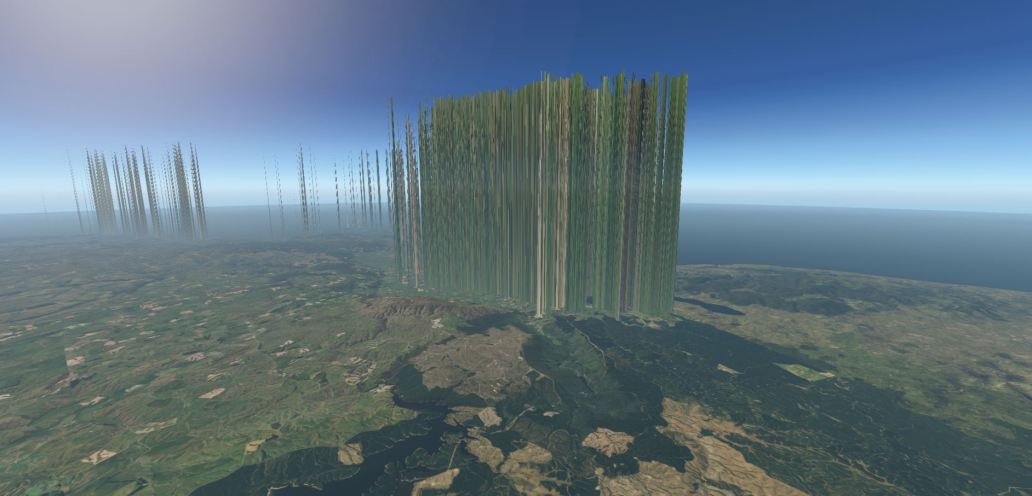
I fixed these in Photoshop, but left an adjustment layer on when saving my new tiff file, this amplified the brightness of the remaining pixels. Quite useful if you want to create a Cartoon world:
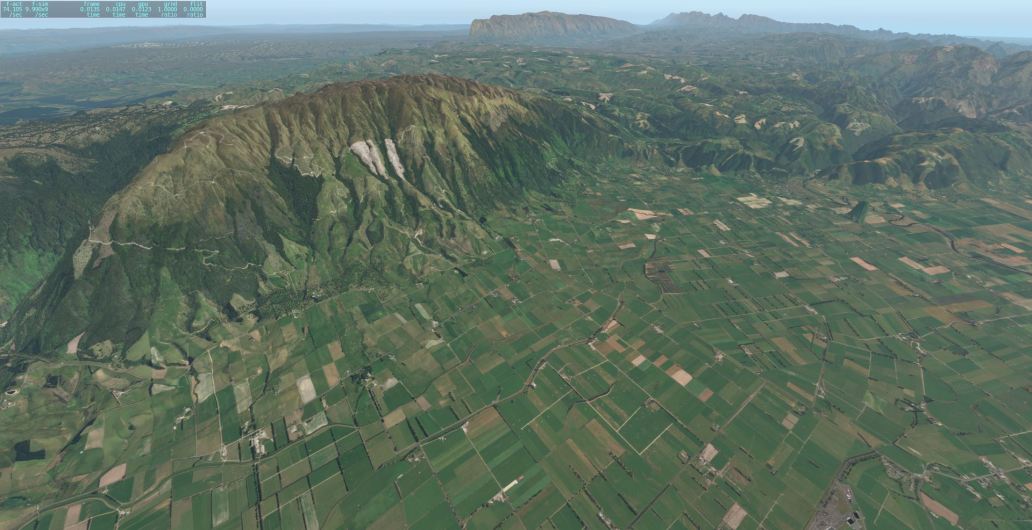
As you can see everything is hilariously multiplied in height. Below is the final result, featuring Dunedin Airport.
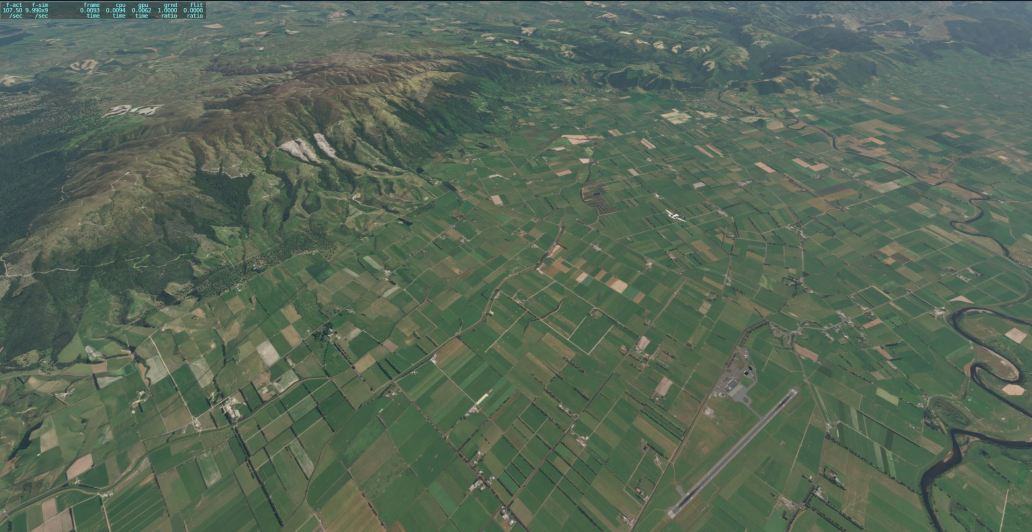
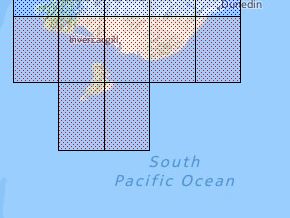
All that’s left now are the tiles below, most of which is water. Although, I have to go back and do a lot of clean up and corrections to my corrections.
Categories: Flight Simulation
 New airport: NZKM Karamea
  Planting seeds
  Landing now: Lyndiman NZ Ortho 2025 is now available.
  Sounds like a good idea
  Lyndiman's Blog
Does that mean you are getting very close to a release? My credit card is getting ready for a donation 🙂
Thank you again for your hard work, I’m really looking forward to completing New Zealand.
Not ‘very close’ but ‘close.’ Some areas around Christchurch and Oamaru aren’t great. I also have to re-release the North Island and want to make some changes there.
Thank you for the update 🙂
Hi! I’m following your SI progress with great interest, having done a few flights using your North Island scenery. A very good result, given the varying quality of the original material (I checked that stuff months ago, and gave up due to lack of skill). Quick question, slightly off-topic: I’m running the scenery in 4K on an Asus Strix OC GTX 1080ti, slightly overclocked, with Gigabyte Gaming 5 (32gb gaming DRAM) and an i7 CPU, again overclocked modestly. With standard scenery, I was getting 40-50fps, but with ortho, we struggle to get much beyond 30 (25 being typical, with the odd pause and a few stutters along the way). Do you have any advice on rendering settings? I don’t want to take up your time, knowing you have another priority, but any advice would be much appreciated! -) All the best with the project⦠Brian M, Napier. SIG
Yikes! That’s not good performance. I would guess that you are hitting some sort of limit – my guess is VRAM. If you go into the graphics settings it says somewhere how much VRAM you are consuming – try adding some compression to see if that resolves it.
Do you use any mods? I use X-Enviro, if I add the 4k clouds mod to that, I get catastrophic frame loss because I’m out of video memory.
As a general rule –
Keep effects 1 notch from top
Textures mid – to high (if you can)
Reflections – low to mid
Objects – max out (if you can)
Almost there! 🙂
Please scrub the enquiry about frame rates. I managed to get it back up to about 40fps with some careful tweaking. I know you are planning to rework the North Island set; hopefully it will take account of an error message I see in log.txt
0:02:14.055 I/DSF: Warning for missing scenery file: -43+175
0:02:14.055 I/DSF: Warning for missing scenery file: -43+176
Can’t get over just how good this scenery looks.
Hi ya, good to hear the FPS is working better. There will be some more detail on the error in the log.txt. After you see the error, can you copy the contents of the log and send it to me at ‘wichid’ at ‘gmail .com.’