I’ve put a bit more time into finishing Nelson Airport. It still has that default look to it, but I think it’s now almost finished. I will add a little more GA tie downs round the back and setup some runway rules perhaps.
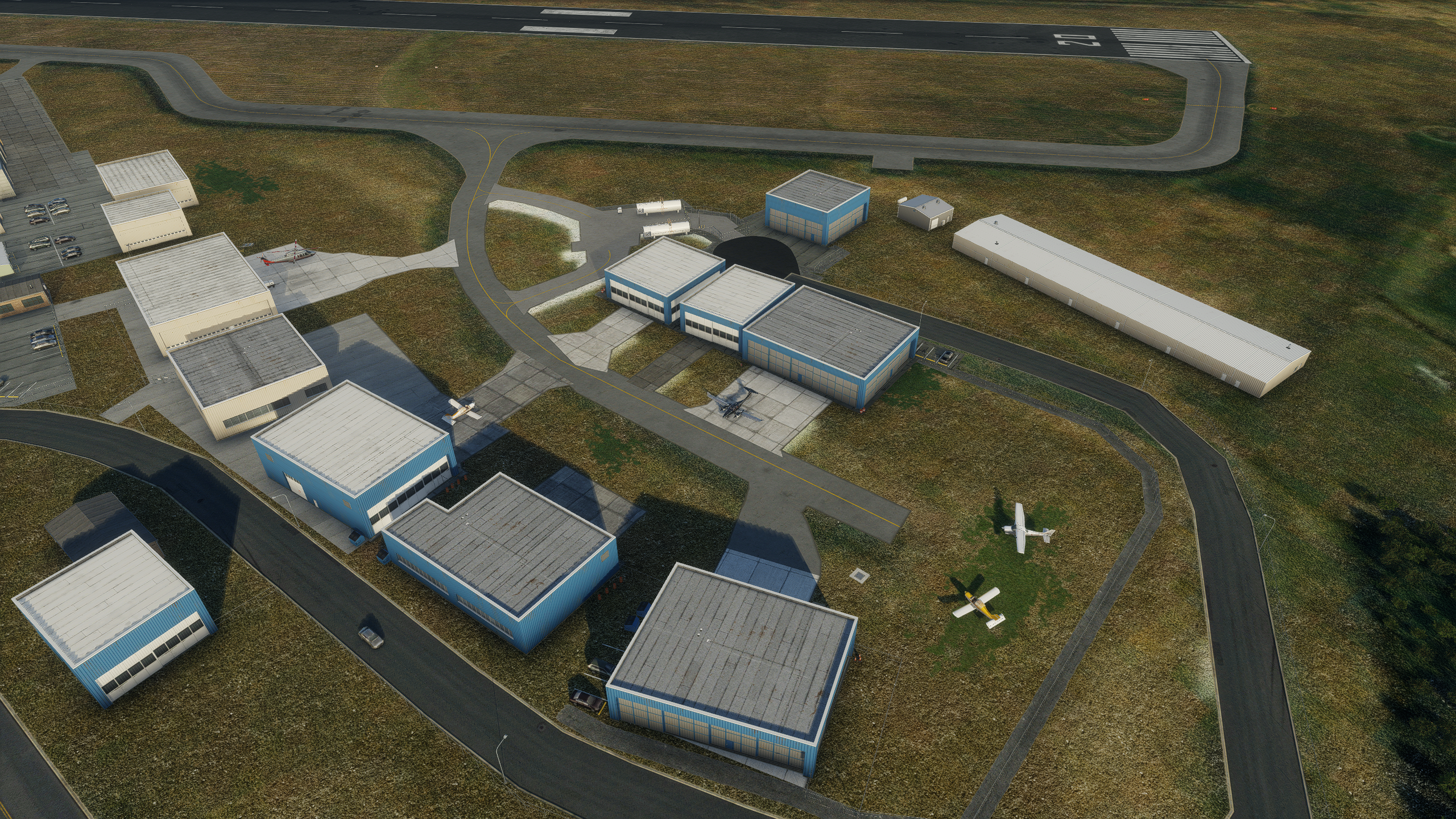
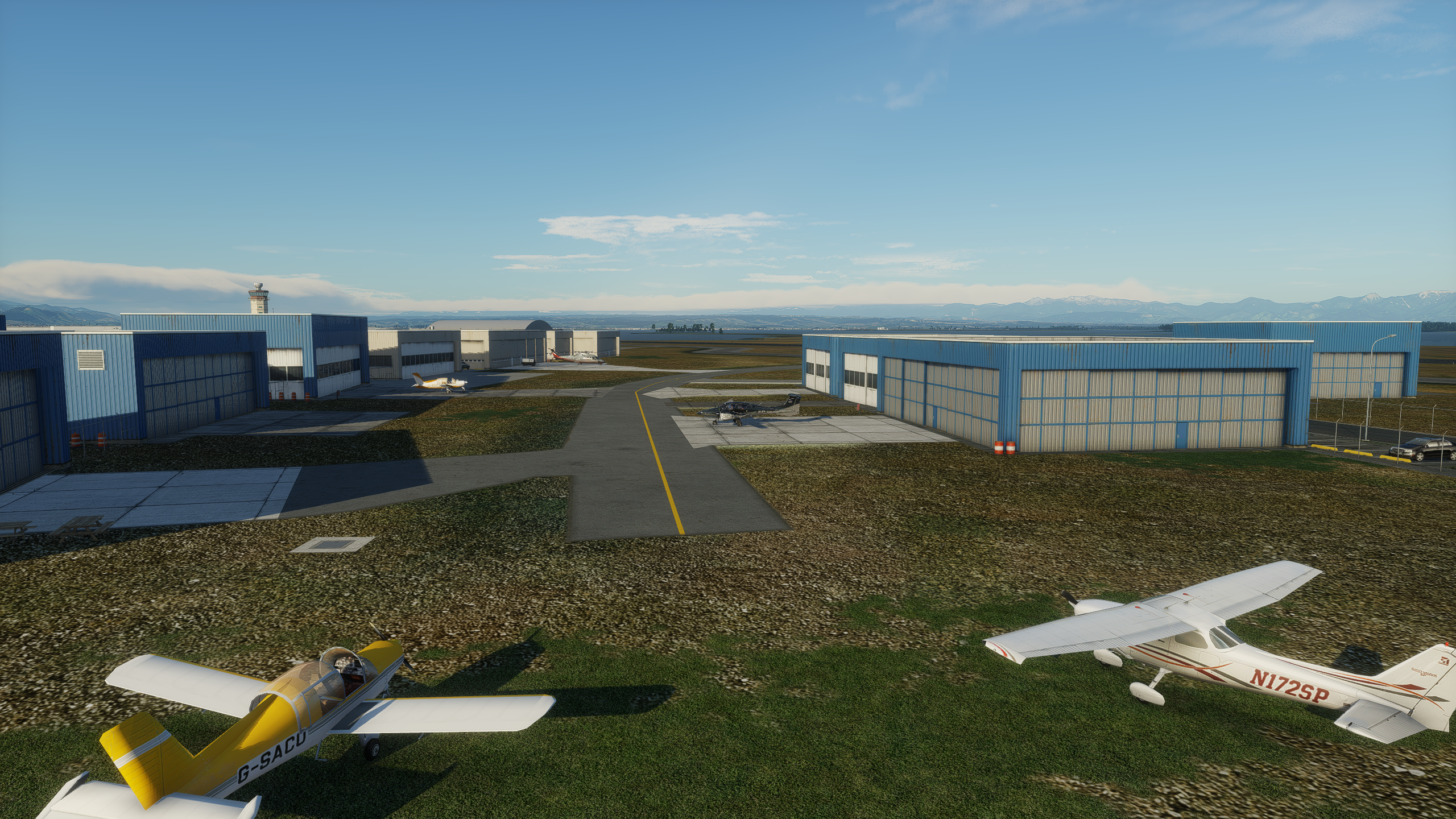
GA Parking:
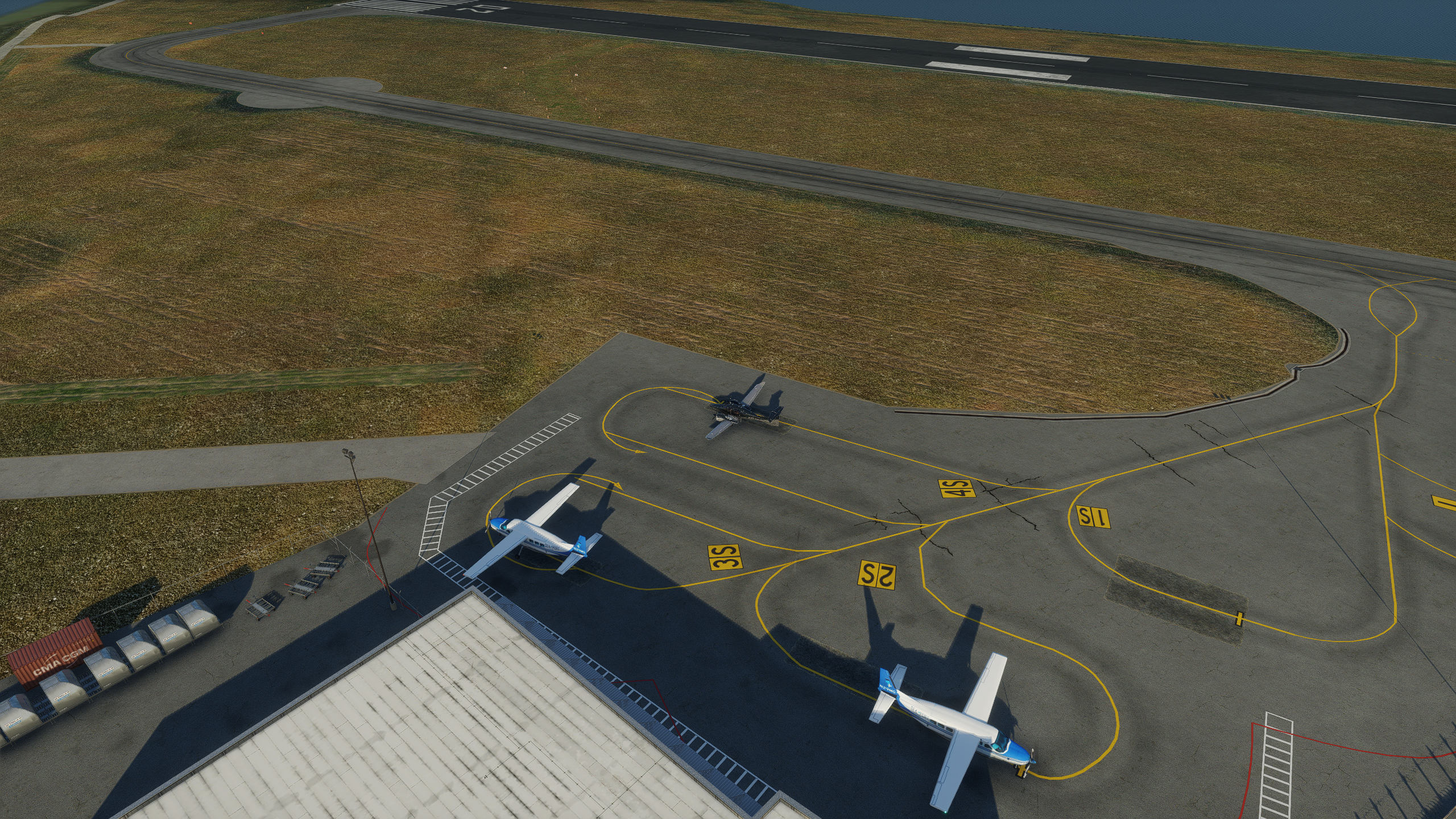
I spent a lot of time drawing lines and arrows and numbering gates. I wish I could do numbers without the yellow or black backgrounds used to number taxiways, but the assets are limited.

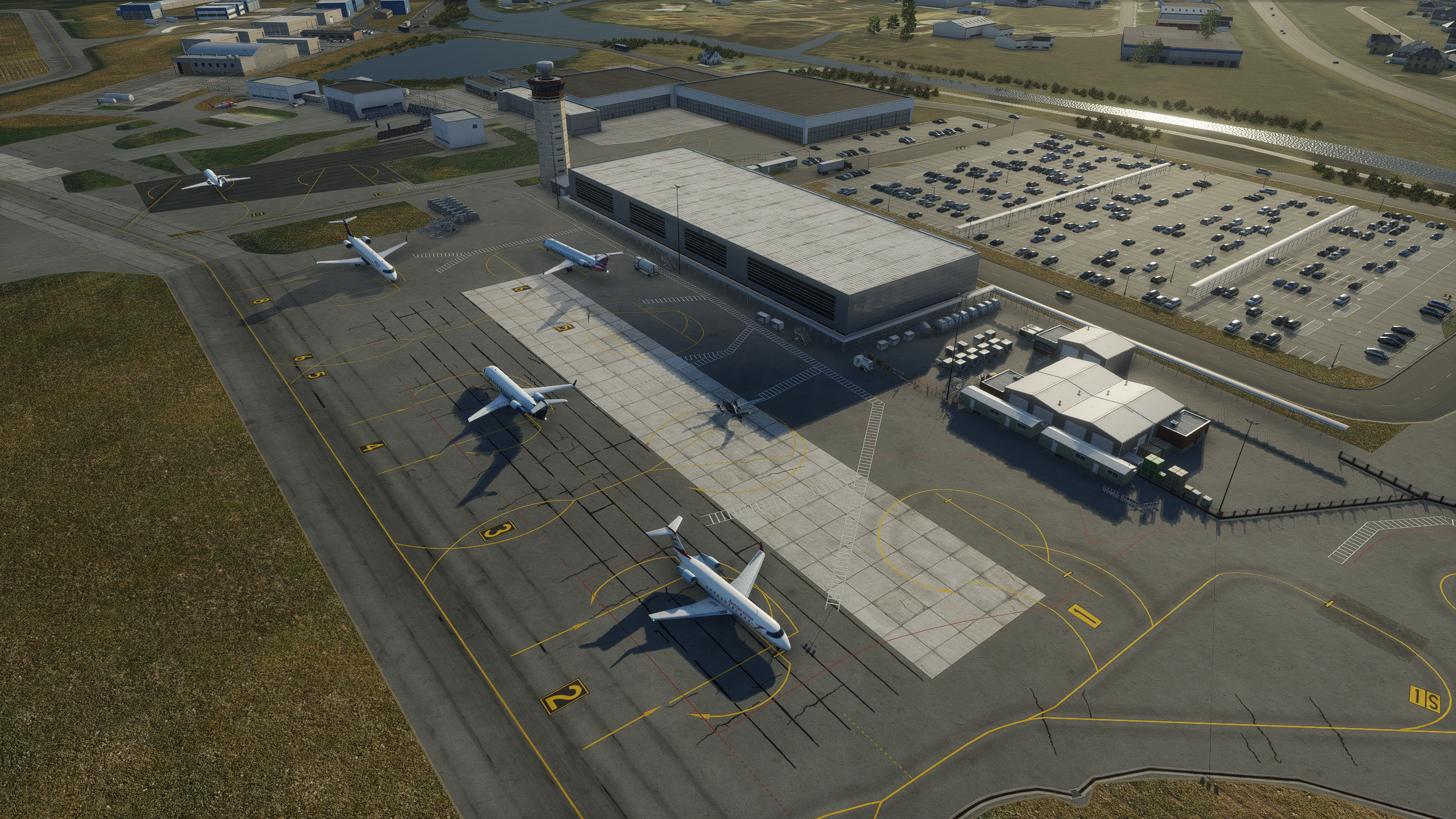
I’ve also plopped down the objects manually for the main car park.
X-Plane 12 features some terrain fx, so I’ve added edges to the sides of the taxiway as a seam into the grass. It’s actually a bit too subtle, so the effect is lost. I’ve also added drains and drainage and wear marks along the taxi-ways. Grass runways and taxiways look a mile better than before.
One thing that is sorely missing is grass objects. Currently, X-Planes draw a flat ground with a bump map. Forest polygon objects can be used to draw shrub areas (visible above that last image background), but there’s no default object for 3D grass. Here’s what Microsoft provide:

This is something that Laminar said slipped through the roadmap, so hopefully it comes into focus soon, as the detail in X-Plane is far too sparse close to the ground for modern standards.
DCS now animates the motion of 3D grass based on the aircraft wash:

It would be pretty awesome to see your prop wash blasting the grass behind you as you do a run up.
Categories: Flight Simulation
 New airport: NZKM Karamea
  Planting seeds
  Landing now: Lyndiman NZ Ortho 2025 is now available.
  Sounds like a good idea
  Lyndiman's Blog
Comment on this here!